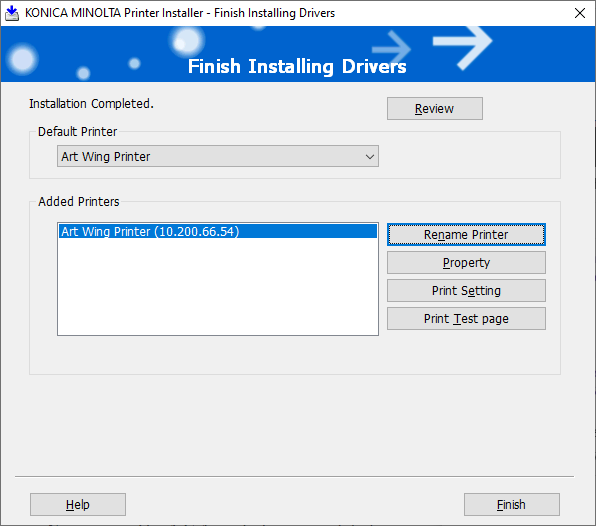
Setting up the Art Wing printer is the same as the library printer but it has a different IP address:
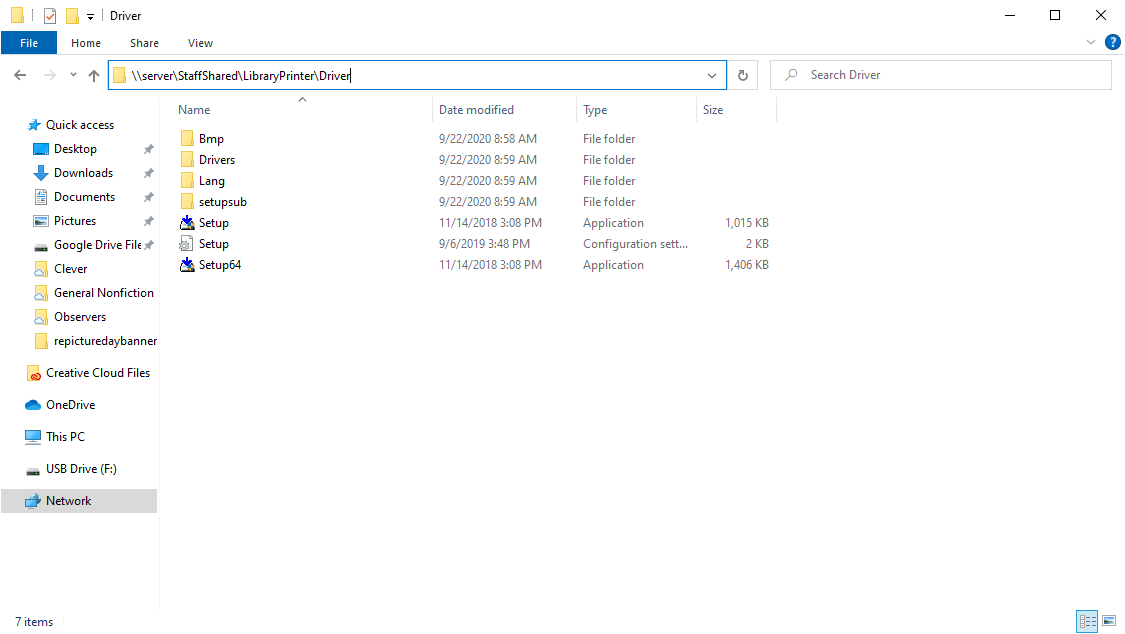
Open a folder and in the address bar type \\server\StaffShared\LibraryPrinter\Driver
Run the Setup64 installer. If prompted for a password use install and Jefferson11251
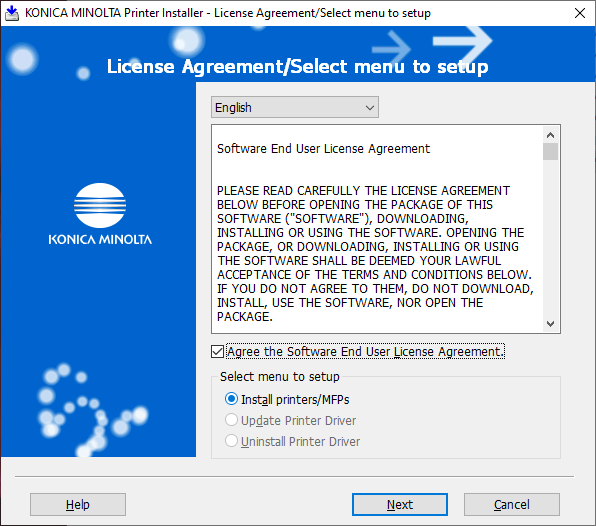
Check the Agree box and Install printers/MFPs. Then click Next
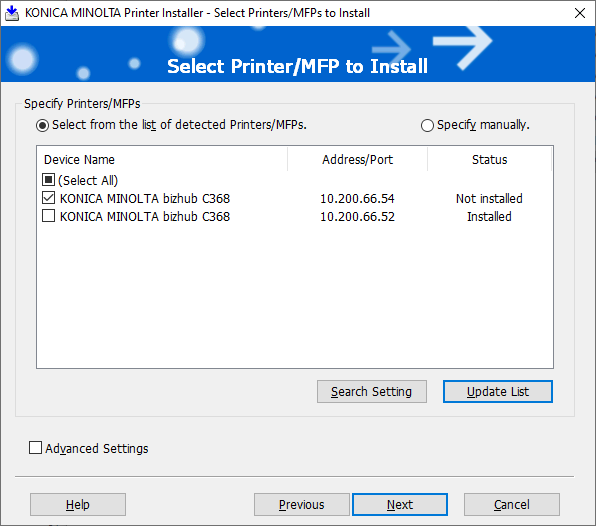
Wait for the printer to be found. The Address/Port for the Art wing printer is 10.200.66.54. Select just that printer and click Next then Install.
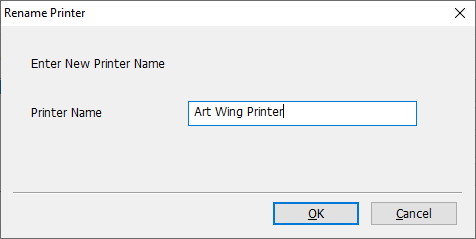
After the Install, Rename the Printer by clicking Rename Printer
Name it something that specifies which printer it is.
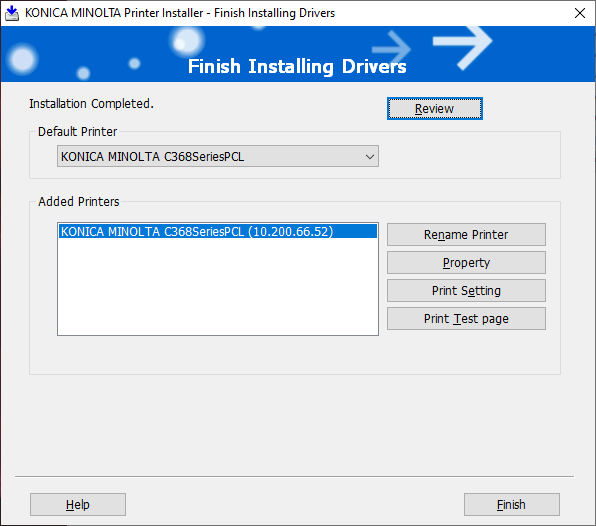
Click Finish